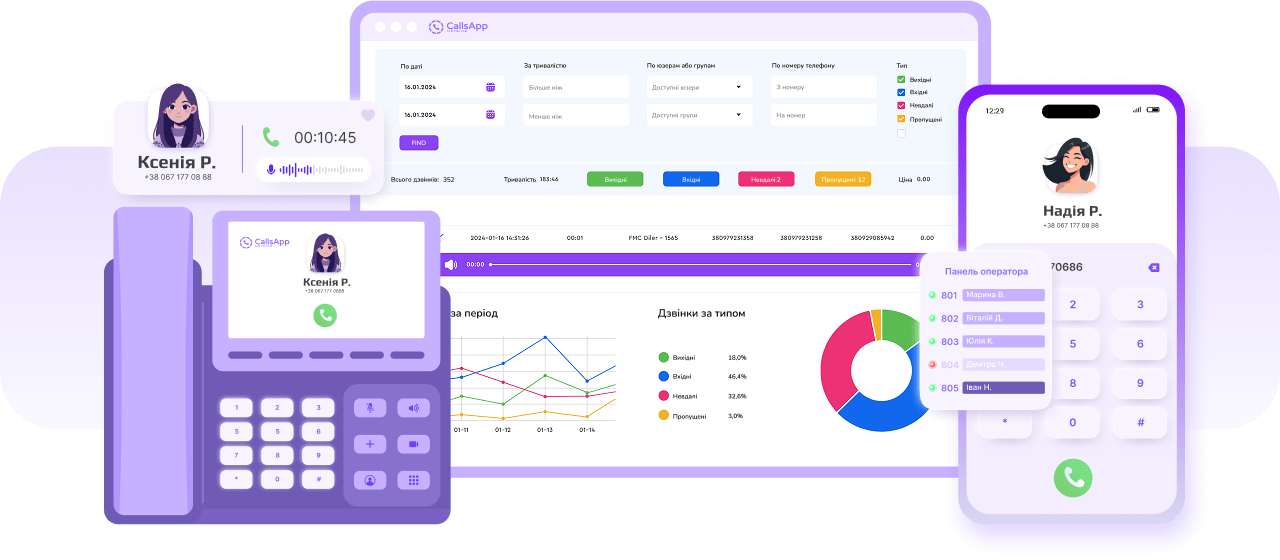



Communication center of the JotLink telephone system based on artificial intelligence

</span

Automated call processing, analytics, and CRM
We'll improve your communications with AI tools designed for productivity and control
Scroll down
To learn more
Basis. business communication

A single solution for call management, routing, and analysis

IVR (interactive voice response)
An automated system that interacts with callers, collects information, and directs them to the right department based on voice commands or keyboard input
Call queue
Smart system for managing large volumes of calls by queuing incoming calls and distributing them to available agents
Group calls
Organizes teams into groups that receive incoming calls together, simultaneously or sequentially
AI Analytics
Analyzes calls and messages in real time, providing information about customer interactions
Conference room
Allows up to 50 participants to join a call, including external mobile numbers, without the need to register for a JotLink account
Automated call dialing
Automated dialing system for mass call campaigns, surveys, and notifications
Call handling for uninterrupted communication

Manage multichannel calls

Voice channels of the service line

Enhances phone number functionality for multi-channel operation, increasing the number of simultaneous incoming calls and maintaining stable connections in high traffic conditions.

Internal line

Personal short numbers for access to all the services of the Service Line

Available on mobile devices, PCs, IP phones and FMC-SIM cards
Smart calls

Advanced call processing

Call queue
Smart call distribution system with customizable strategies
Call Queue
+1 888 989 8663
+1 302 667 1234
+1 302 888 1234
Group calls
Assign calls to any team, such as sales or support
ring-groups
Conference room
Up to 50 participants, including external numbers, without JotLink registration
AI Solutions
Improve communication and automation with AI-powered tools
AI Assistant
The system quickly understands and provides instant answers by voice or text in real time
AI Analytics
Analysis completed

Adjustment of marketing strategy, request for budget increase and approval of a new project schedule
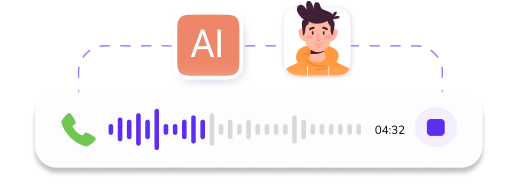
Analyze calls and messages in real time to get information about specific users
IVR based on artificial intelligence
Intelligent IVR system with voice control and multi-level menu options
Automated mailing and smart notifications

Automatic calls and notifications

Mass The challenge of artificial intelligence
Automatic dialing
Bulk calls with AI integration for polls and notifications.
Smart automatic dialing
Anticipatory recruitment
Automatically dials contacts from the database, reducing downtime.
Mass mailing messages
Bulk SMS
Bulk SMS campaigns with customized sender names.
Bot Andrew

Don't forget to call Simon

SMS to Group

Successfully added from CRM

Management your tariff plans and connection

Advanced messaging

Convert text to speech
Convert text to voice messages
Creates professional IVR voice prompts and announcements.
Website call form
Convert website visitors into calls Built-in form for requesting callbacks.
Static call tracking
Measure marketing effectiveness Associates phone numbers with advertising campaigns to track call sources.

Manage your interaction with customers

Automatic calls and messaging

Advanced call routing
Flexible forwarding rules
Customizes the outgoing caller ID for each destination, bypassing common call rules.
Maximum call duration
Control the duration of the conversation
Limits call time to optimize agent resources and workload.
Dynamic CID
Optimize subscriber identification
Configures the outbound caller ID based on the location of the caller's subscriber.
Call Timeout
Provide quick responses
Limits the connection time before transferring or ending a call.
Smart processing of incoming calls

Multichannel processing of incoming calls

Multichannel incoming calls
Easily handle a large number of calls Supports multiple simultaneous incoming calls on the same line.
Recognize your answering machine
Weeds out autoresponders and works only with live responses
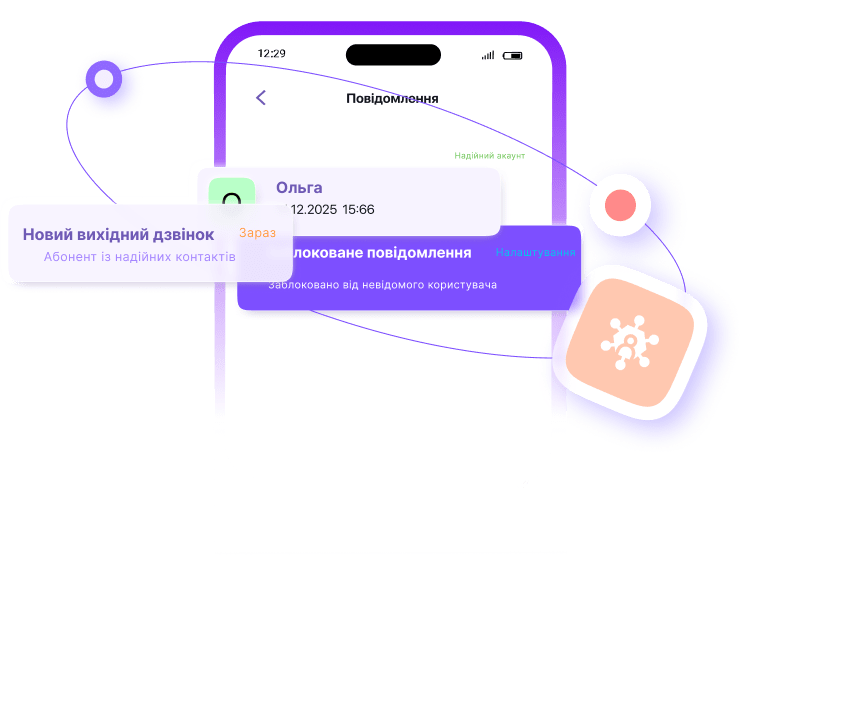
Reject forwarded calls
Call Forwarding Blocked

Forwarded call blocked automatically

Block unwanted forwarded calls
Automatically rejects forwarded calls to reduce spam and interruptions
Recording calls to email
Easy storage and access to call records
Automatically sends call recordings to a specified email address for compliance and training purposes.
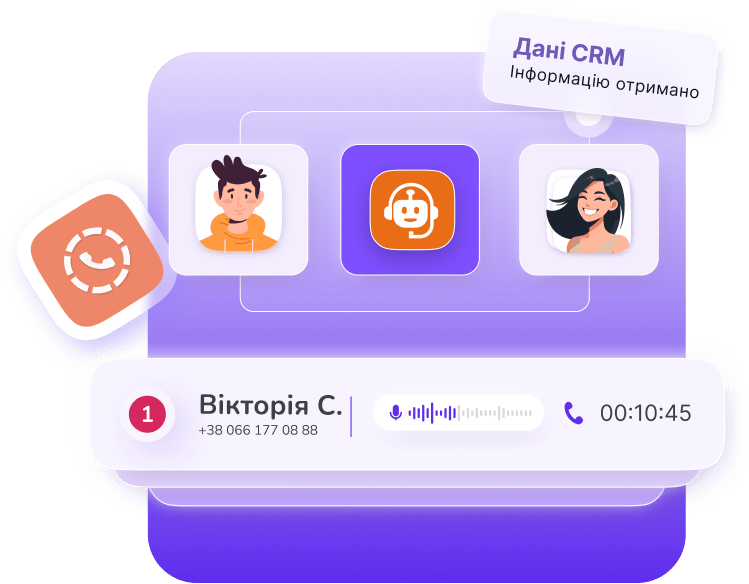
Call routing on the basis of CRM

CRM-based call management

CRM expectations
Connects customers with the right representative using CRM data
Multichannel
Adds the ability to receive an unlimited number of simultaneous calls
Phone numbers
Saving your numbers, providing mobile, landline, international and 0800 numbers
CRM integration
Synchronizes call data, manages contacts, and records interactions.
Tariff plans
Provides minute bundles for cost-effective external calls.
Smart routing and access control

Advanced call and SMS routing

Routing of incoming calls
Customizable rules for incoming calls based on time, caller ID, or source.
Routing of incoming SMS
Configure rules for forwarding incoming SMS messages to users or groups.
Blacklist and white list
Blocks unwanted numbers or restricts communication to selected contacts.
Call restriction
Restrict outgoing or incoming calls by time, type, or number.
Smart calls and balance sheet control

Voice mail and call forwarding

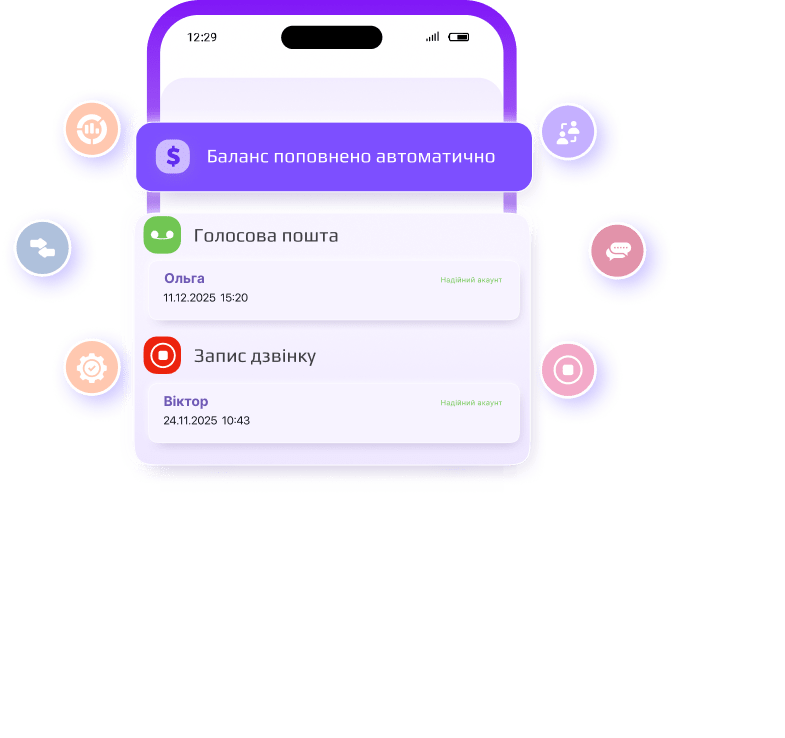
Voice mail
Records and stores voice messages when the recipient is not available.
Automatic balance replenishment
Automatically adds funds when the balance is low to support external calls.
Low balance notification
Sends notifications when the balance or available minutes reach a critical level.
On-demand call recording
Start or stop recording calls during a call as needed.
Safe communication

External access and web calls

DISA (Direct system access)

Allows external subscribers to dial extension numbers after authentication and make outgoing calls through the corporate system

Web call from the site

Instantly make calls from your browser by selecting a number and clicking on it

Callback

The system initiates a call to the client after receiving a request, quickly connecting it to an operator or service

Management calls

Call forwarding and parking

Instant call transfer
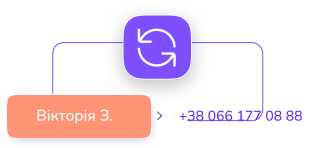
Without approval
Transferring a call to another number without confirmation from the recipient
Transferring a call after approval
With confirmation
Transfer a call after a short conversation with an employee
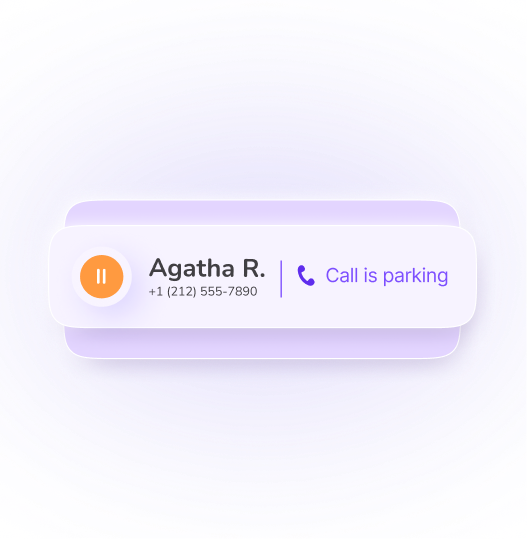
Temporary call hold
Parking lot
Transferring a call after the first conversation with a manager
Centralized voice mail
All messages together
All notifications are at your fingertips, easy to view and manage.

Direct voice mail

Redirects incoming calls to voicemail without calling the recipient.

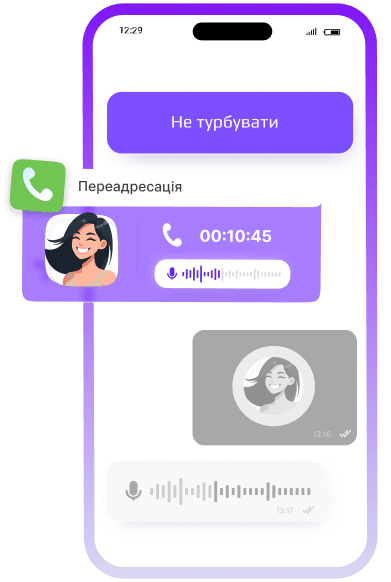
Activate the Do Not Disturb mode.

Temporarily block incoming calls. Activates Do Not Disturb mode to mute calls during certain periods.

Unconditional forwarding

Always forward calls
Forwards all incoming calls to the specified number without any conditions.

Unanswered call forwarding

Call forwarding for unanswered calls
Redirects unanswered calls to another number after a set time.

Call forwarding in case of employment

Automatically redirects incoming calls if the user is busy.

Cancel all redirects

Cancels all call forwarding rules in one step.

Offline call forwarding

Forwards calls to another number when the subscriber is unavailable.
Agent tools and real-time monitoring

Queue management and call monitoring

Get out of the queue

Removes the agent from the call queue system.

Entering the queue

Registers an agent in the queue system to handle incoming calls.

Call Spy

Allows authorized users to listen to active calls without being noticed.

Smart caller ID and agent support

Monitoring subscribers and helping the team

Whispering.
Supervisors can help agents without hearing from the caller.
Interception
Allows users to receive calls that come to another extension.
Call confidentiality
Masks the identity of the subscriber for outgoing calls.
Ellipse 113
Component 4
Component 4
The best messenger for personal and business use

Don't have JotLink yet?

JotLink is the best solution for your personal and business communication needs

Learn tips and get help

Get the help you need
thanks to the comprehensive JotLink support system

Voice calls
For high-quality voice calls, use the app's built-in features. Go to the Calls section, use the keyboard, or select a contact from the list to start a call. For convenience, control the call using the Mute, Speakerphone, or End Call buttons.
SMS messages
The cost of calls and SMS depends on your caller ID. Using a foreign number, such as a German number, may result in higher rates. Set your caller ID to Auto to get the best rates by letting the system choose the cheapest option.
Anonymous groups
The cost of calls and SMS depends on your caller ID. Using a foreign number, such as a German number, may result in higher rates. Set your caller ID to Auto to get the best rates by letting the system choose the cheapest option.