


JotLink Messenger All-in-one

Calls, messages, chats, task management
Stable connection without reference to the place

Scroll down
To learn more
Main functions

Everything for communication in one place

Voice calls
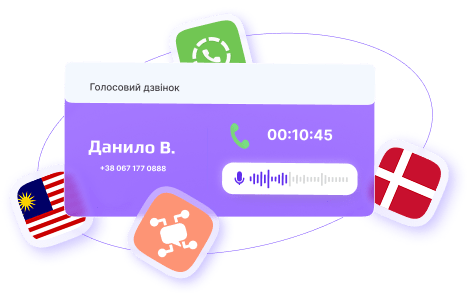
High-quality voice calls with free and unlimited company-wide connectivity, support for internal and external calls, and the ability to make seamless calls to external contacts around the world for global communication

Video calls

Video calls between JotLink users with the ability to switch to audio mode in real time

Text messages | SMS

Stay connected with built-in chats for quick team communication.
Send messages directly to external phone numbers, ensuring communication even for non-JotLink users

Real-time location tracking

Share your real location with chat participants and track their movements on an interactive map

Monitor every call

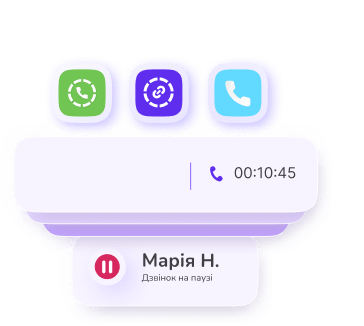
Holding a call

Pause a call while leaving the line active with background music

Group calls

Add up to five participants for a conference

Transferring a call

Forward calls to colleagues

Get more opportunities for business communications

Advanced chat features

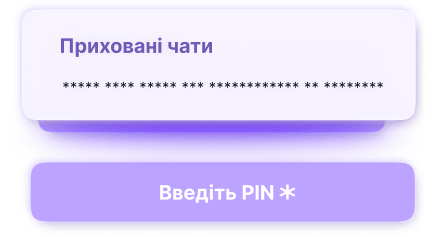
Hidden chats

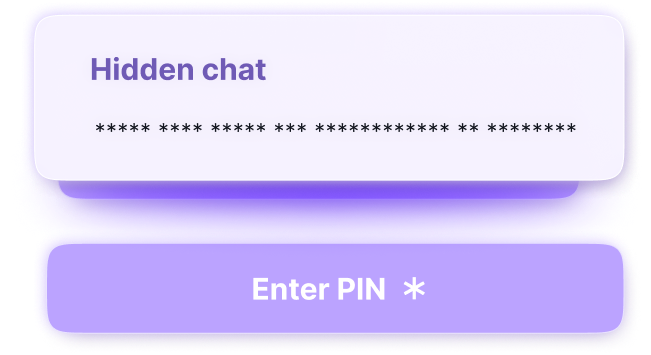
Store hidden chats separately from the main list, which can be accessed only through the PIN-protected menu.

To increase the level of privacy, several incorrect attempts to enter a PIN result in the complete deletion of chats.

Broadcasting channels

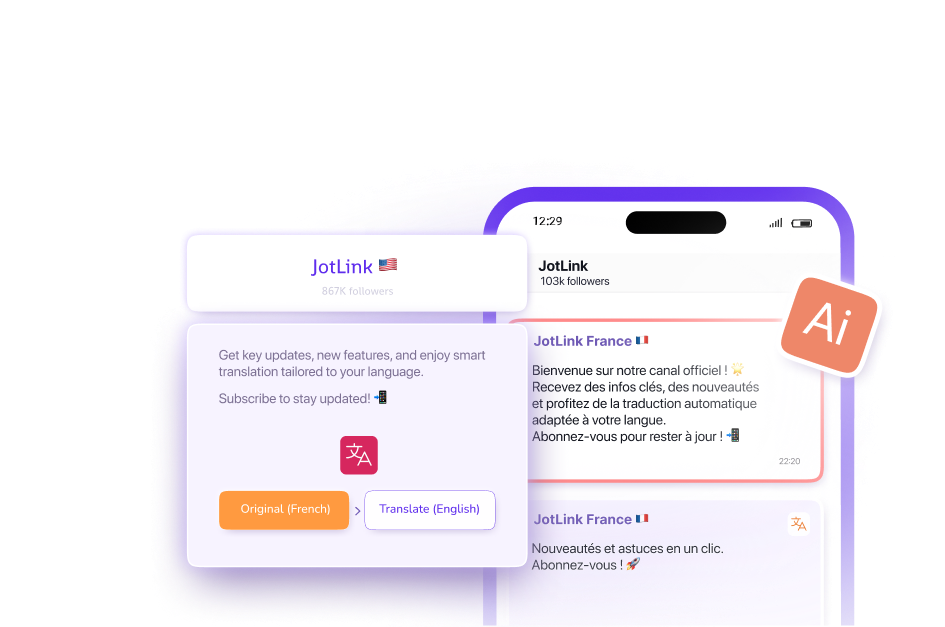
Multilingual channels for broadcasting important information, with subscription options and administrator rights.

AI-powered translation adapts content to the reader's preferred language while preserving meaning and context.

Anonymous groups

Group chat, where only the organizer can see the real accounts of participants and initiate personal conversations. Other participants remain anonymous and interact only within the group, except for private messages and calls.
Task manager

Effective task management

Stay organized with the built-in task manager - assign tasks, set due dates, and track progress with timely reminders.

Chats with automatic deletion

Control chat content - set automatic deletion of messages from 1 minute to 24 hours

Communicate in any language

Automatic translation so that each message is displayed in the language preferred by the recipient. Powered by artificial intelligence for contextual accuracy.
Chat with artificial intelligence

AI assistant for everyday tasks

Quickly solve problems with AI chats - ask questions, get instant answers, and simplify your daily routine
Choose a convenient communication format

A messenger that adapts to you

Video messages

Send instant video messages with real-time previews

Voice messages

Send voice messages for quick communication

Text messages

Keep text dialogs organized

External SMS

Send external SMS directly from the app interface
Customize your account and stay in touch
Take full control of your communication with JotLink
Multi-account

Easily switch between three accounts

Personalize your profile settings

Update your photo, name, and contact information

Real-time balance control

Track your balance, minutes, SMS and internet

Personal notes

Everything in one place - saved in a private chat.

Not a single missed one call

Stay in touch
with the AI call system JotLink

Flexible call forwarding
Customize the routing of incoming calls according to your schedule.
Call recording is now easy
Record and share important conversations with secure local storage for access at any time.
Displaying the caller ID on request
Select the number you want others to see when making outgoing calls.
All-in-one access to voicemail"
Listen to notifications at your convenience without missing important events.
Take control your personal space
Protect your privacy with JotLink's advanced security features
Do it's right now
Personalize your JotLink experience and easily manage your files
Get the most out of business messenger

Improve your communication with JotLink
and share your impressions

Multilingual broadcast channels with subscription options and administrator rights. Artificial intelligence translates content while preserving its meaning.

Anonymous group chats: Only the organizer can see the participants' profiles and start private conversations.

Chat with artificial intelligence for quick answers and problem solving.

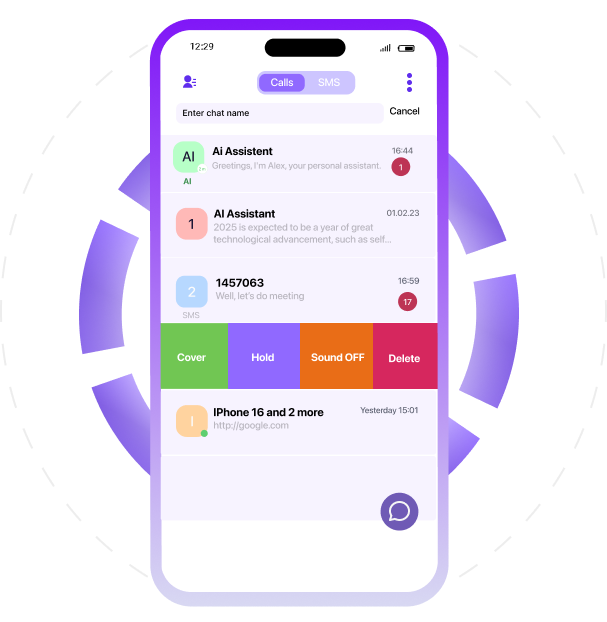
Edit mode allows you to delete all chats or select specific ones to delete.

Manage chats: pin, hide, mute, or delete by swiping to the right.

Personalize your chats by changing your photo and name.

Quick answers and data analysis with artificial intelligence for everyday tasks.

Task Manager: Create tasks, set deadlines, and track progress with reminders.

Hidden chats are accessible only with a PIN code; complete deletion after unsuccessful attempts.

Easily search for chats by entering a chat name or contact.

Automatic contact synchronization with device tabs: all synchronized contacts and CallsApp users.

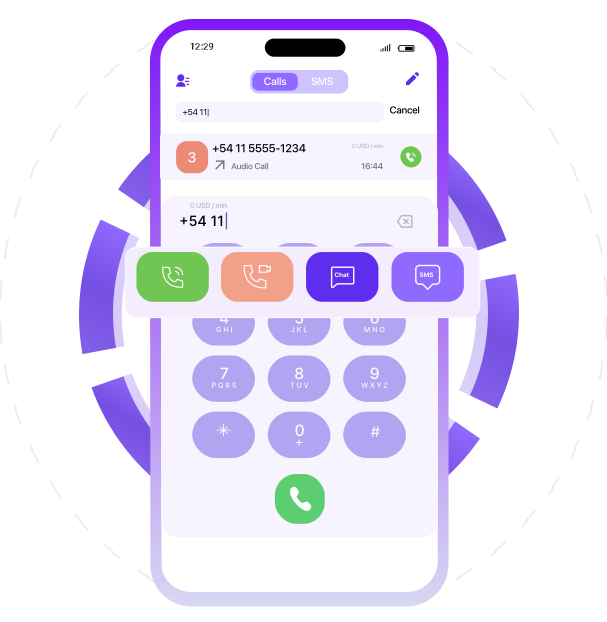
Call cost display for international numbers when entered, helping to estimate costs.

Quick contact added directly to your phonebook.

High-quality voice calls with free internal and external calls worldwide.

Send and receive SMS to mobile numbers, even if they don't use CallsAp.

Video calls with real-time switching to audio mode.

Voice calls for internal and external communication.

Use Chat to start conversations in the app.

Open "SMS" to send messages instantly.

Call summary with cost displayed after the call ends.

Use mobile data packages for Internet access in different regions or countries.

Use SMS to benefit from lower text message rates.

Easily top up your account via the app whenever needed to ensure uninterrupted service.

Add and manage call packages that offer reduced rates for voice calls.

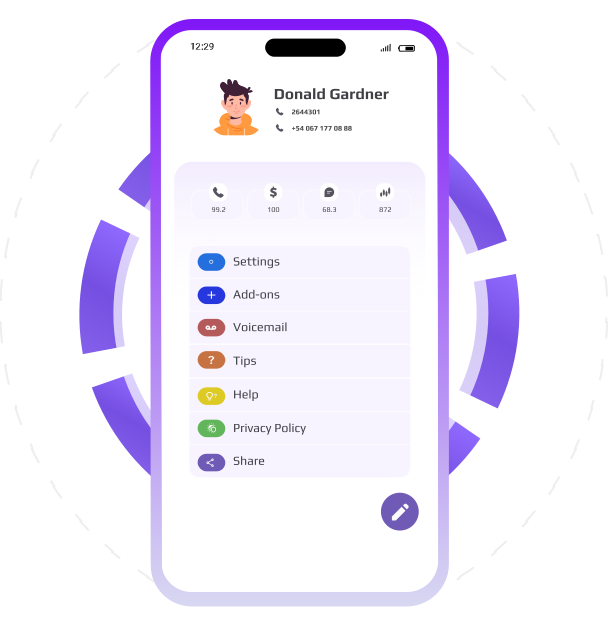
The profile edit button allows you to change your account's basic information, log out, or delete the account.

Listen to voice messages and configure voicemail settings in your account.

This section includes detailed information about the app's functionality. Get helpful tips and tricks for using CallsApp.

Get help with any questions in the "Support" section. This section provides access to support resources available through CallsApp.

Familiarize yourself with CallsApp's privacy policy to learn how your data is protected.

Share the CallsApp app with colleagues and partners via social media, messages, or other convenient platforms.

Find the answer to the question and get help

Get the help you need
thanks to the comprehensive JotLink support system

Voice calls
For high-quality voice calls, use the app's built-in features. Go to the Calls section, use the keyboard, or select a contact from the list to start a call. For convenience, control the call using the Mute, Speakerphone, or End Call buttons.
SMS messages
The cost of calls and SMS depends on your caller ID. Using a foreign number, such as a German number, may result in higher rates. Set your caller ID to Auto to get the best rates by letting the system choose the cheapest option.
Cost of calls
The cost of calls and SMS depends on your caller ID. Using a foreign number, such as a German number, may result in higher rates. Set your caller ID to Auto to get the best rates by letting the system choose the cheapest option.